DM automation for creators
The DM automation that turns replies into leads
Replies, links, leads and an AI agent for Instagram, Telegram and Facebook, while you create.
Leads
+41% vs last week36 leads this week
Just now
4 new- New comment from Annanow
- Reply sent in 1.2 snow
- Tagged “lead”now
- Counted as convertednow
Comment to DM
Conversion
30 days58% converted
212 people reached
123 tapped the link
Replies this month
All connected- Instagram612
- Telegram388
- Messenger140
1,140 replies, none typed by you
AI agent
onUnsure? It hands over to you
Answers in the channels your audience already uses, with an AI agent that knows when to hand over, and works with the Claude or ChatGPT you already use.
The DMCrew dashboard
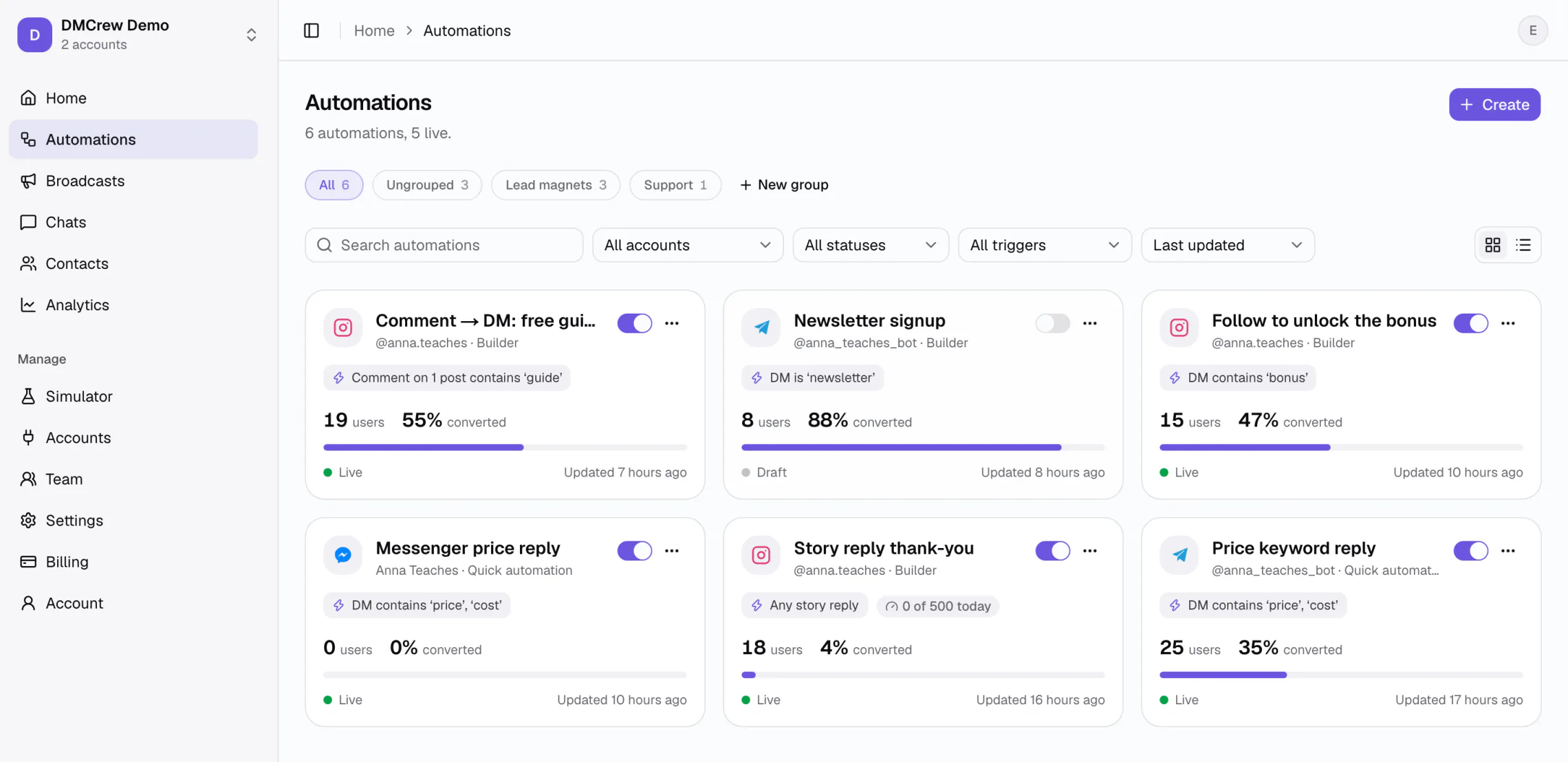
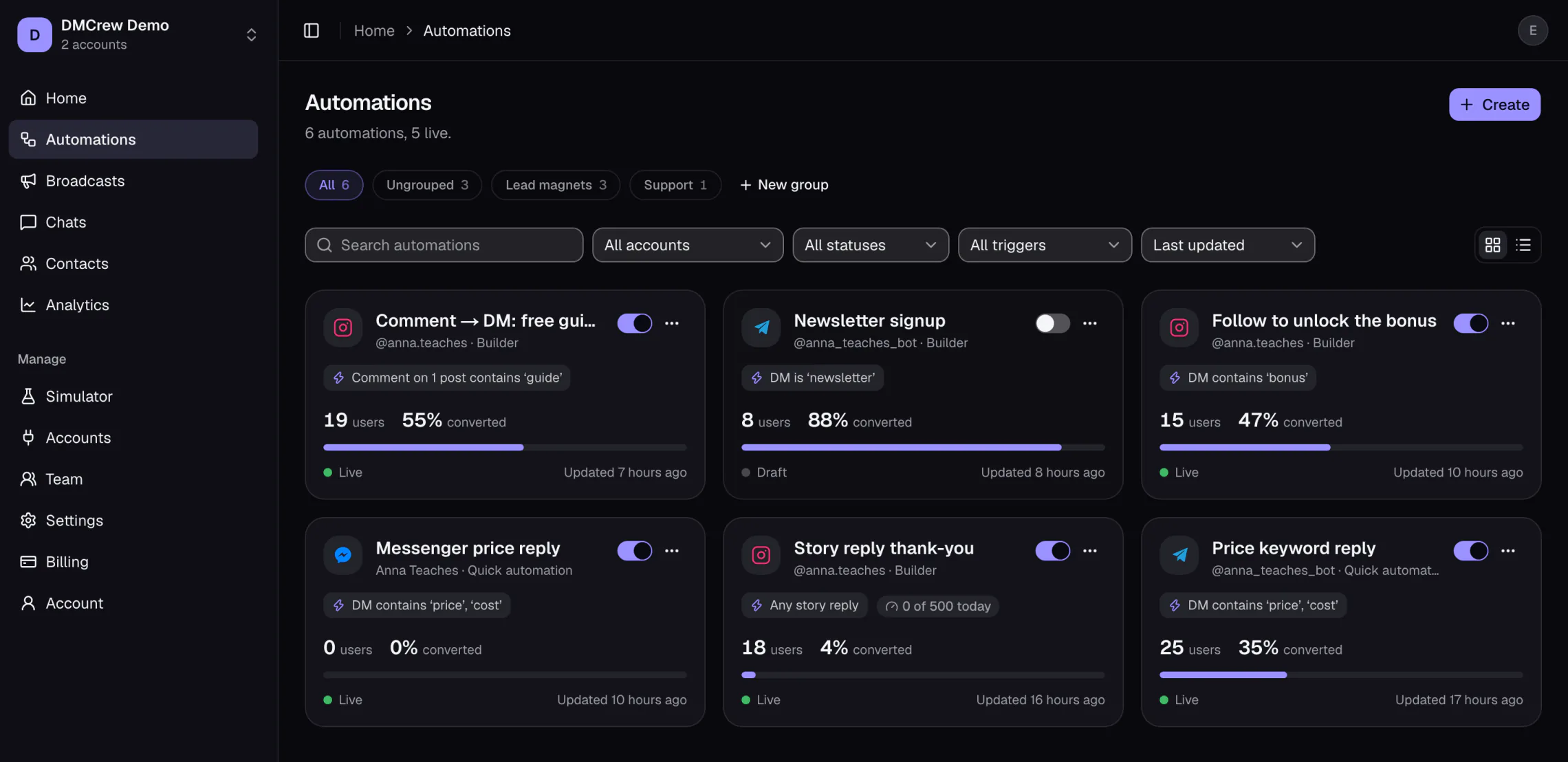
More leads from every post
Every comment with your keyword becomes a DM with the link and a tagged lead, at any hour.
Hours back every week
The same questions answer themselves. You only open the chats that need you.
AI that knows when to hand over
It answers from your knowledge base and passes the rest to you. No confident wrong answers.
How it works
Live in three steps, from your phone
The keyword chatbot is a form, not a canvas. The phone preview shows what the person will see while you type.
1Account and trigger
Pick the account, then what starts it: a direct message or a comment on a post. Turn on the follower check if only followers should get the reply.
Keyword chatbotStep 1 of 3Account
@anna.teachesStarts when
Direct message
Someone DMs the keyword.
Comment on a post
The reply goes to their DM.
Only followers
Others are asked to follow first.
BackNext2Keywords
Type the words, choose “is” or “contains”, and how often the same person can start it: every time, once an hour, once a day or once.
Keyword chatbotStep 2 of 3Keywords
guidelinkAdd another…Match
Message containsSame person can start it
Once per dayCase does not matter. “Guide”, “GUIDE” and “guide pls” all match.
BackNextAanna.teaches1,284 likes
Mmaria.k This is so helpful 🙌2h
Aanna.loves.design guide pls 🙏1h
matchTtom_builds GUIDE41m
matchNnika.s Saving this for later12m
Comments with the keyword match, in any spelling.
3Reply
Write the message, add up to three buttons, use {{first_name}}. Launch makes it live and offers a test right away.
Keyword chatbotStep 3 of 3Message
Thanks for the comment, {{first_name}}! Here is your guide 👉 https://annateaches.com/guideButtons
Open the guide ↗I have a question+ AddA tap on “I have a question” hands the chat to you. Launch makes it live and offers a test.
BackLaunchAanna.teachesActive nowAnna commented “guide” on your post
guideThanks for the comment, Anna! Here is your guide 👉 https://annateaches.com/guideOpen the guideI have a questionAnna gets the link in her DMs, and you get a tagged lead.
Features
Everything you need to answer your DMs
Flows that read like sentences, health you can see, one inbox you can take over, and an AI agent that knows when to hand over.
1Flows that read like sentences
Every block says what it does. Exits are named Then, Yes or No, Taps “Done”, Types instead. On a phone the same flow is a numbered list.
- Keyword chatbot in three steps
- Builder for branches and delays
- Test in the Simulator before launch
More on the flow builder
2Nothing goes quiet on you
The most common complaint about DM tools is “it stopped and nobody told me”. DMCrew shows its health on every page.
- Health verdict on Home
- Issues button with a fix per line
- One e-mail when a channel disconnects
More on conversion analytics
Health
Something needs a look
- @anna.teaches needs to reconnect
- FAQ menu reached its daily limit
Everything is workingyesterday3You take over, the bot steps back
One inbox for every account. The moment you reply, the automation waiting on that person ends, and your own messages never start a flow.
- Contact, bot and operator bubbles
- The 24-hour window shown in words
- Broadcasts to the people a flow reached
More on the shared inbox
SSofia GarciaCan reply · 23h leftIs there a version for beginners?Yes! Module 1 starts from zero. Write me here if you get stuck.You · the automation stepped back
SendBroadcast to “Reached by: free guide”
842 of 1,200 reachable now
4An AI agent that knows when to stop
Teach it with plain text, questions and answers or your files. It replies to what it knows and routes the rest to you, so nobody gets a confident wrong answer.
- Trained on your account, files or text
- Hands over the moment it is unsure
- Every answer visible in Chats
More on the AI agent
Do you have the course in Polish?AI agentYes, modules 1 to 4 are in Polish. Want the link?Can I pay in two parts?Handed over to you
5Describe it, the AI builds it
Say what should happen in your own words. The AI asks what it needs, shows you the conversation before anything is created, and builds the automation switched off for you to check.
- Asks only what it cannot guess
- Shows the conversation before it is created
- Created switched off, every step editable
More on comment-to-DM automation
When someone comments GUIDE, send my free guide, followers only, and ask for their email.
Built by AI, ready to check
- 1Comment is “guide”
- 2Followers only
- 3Sends the guide link
- 4Asks for their email
- 5Counts as converted
Pricing
Flat price. Never per contact.
Every feature on every plan. Pick by how many accounts you connect, who works with you and how much AI you use.
Yearly saves about 26%. Prices in USD.
Starter
For your first account.
a month
- 1 connected account
- 1 team member
- 500 AI credits a month
- E-mail support
- Every feature included
Creator
Most popularEvery channel in one inbox.
a month
- 3 connected accounts
- 2 team members
- 2,000 AI credits a month
- Priority support
- Every feature included
Pro
For creators with a team behind them.
a month
- 5 connected accounts
- 5 team members
- 5,000 AI credits a month
- Priority support
- Every feature included
Every feature, on every plan
Comment → DM
Instagram and Facebook comments get your link in their DMs.
Instant replies
Keyword answers in DMs, day and night.
One inbox
Instagram, Telegram and Messenger side by side.
Flow builder
Branches, delays and follower checks, no code.
Broadcasts
Message tagged contacts, within each app's rules.
Unlimited contacts
Never billed per contact, however big a post gets.
Conversions
See who converted, not just who clicked.
Simulator
Test every automation before it goes live.
Every plan starts with a 7-day trial on the card you add. Nothing is charged before day 8.
AI credits cover everything the AI does: an answer the AI agent sends in your DMs, an AI step in a flow or an AI-drafted reply uses 1 credit, an automation the AI builds for you uses 5. Credits renew on the 1st of every month. Need more? Extra credits are $10 per 1,000, bought in one tap and kept until used. Nothing is ever charged automatically. Already pay for OpenAI or Claude? Connect your own key in Billing and AI uses no credits at all.
Plan by plan, with the questions people ask about billing: DMCrew pricing.
Questions
Questions people ask before they sign up
No. Plans are a flat price. A contact only counts when an automation or a broadcast messaged them, never for organic DMs, and no plan has a contact limit.
Home shows a health verdict, every page has an Issues button when something is wrong, the automation card shows failed sends, and you get one e-mail when a channel disconnects.
No. The moment you reply in Chats, the run waiting on that person ends. Your own messages never start an automation.
The keyword chatbot is three steps with a phone preview. The builder reads as sentences, and on a phone it is a numbered list. Most people launch their first automation in ten minutes.
No. The Simulator runs any automation in a phone chat inside DMCrew and shows the exact path it took. On Telegram, “Test in Telegram” starts it for you from a link.
One private reply per comment, a follower check you can turn on, and the 24-hour window shown in words in every chat: “Can reply · 23h left”. Broadcasts skip people whose window has closed.
One allowance for everything the AI does. An answer the AI agent sends in your DMs uses 1 credit, an automation it builds for you uses 5. Starter has 500 a month, Creator 2,000, Pro 5,000, and extra credits are $10 per 1,000 if you ever need more. Keyword replies and flows you build yourself never use credits.
Yes, on every plan. In Billing, choose Connect a key, pick OpenAI or Claude and paste an API key; DMCrew checks it on the spot. From then on the AI agent, AI steps, AI assist and Create with AI run on your key and use no credits, and the provider bills you directly. Remove it to go back to credits.
Yes. Add DMCrew's MCP server (https://dmcrew.io/api/mcp) as a connector in Claude or ChatGPT and sign in with your DMCrew login. Your assistant can then look up contacts and analytics, tag people and set up keyword replies when you ask. It never messages anyone and uses no credits.
Yes. Creator includes a second seat and Pro five, with roles. Everyone works in the same inbox, and the automation steps back for whoever replies.
Cancel in the app in one click. Automations pause, the workspace becomes read-only, and nothing is deleted. Contacts export to CSV at any time.